A native iOS client for your self-hosted Hermes AI agent.
SELF-HOSTED · SWIFT NATIVE · DIRECT API · SENSORS + VOICE
NOTE — Talaria is an independent community project. It is not affiliated with, endorsed by, or part of Nous Research or the official Hermes Agent project.
// INTERFACE
From initial pairing through streaming chat, voice, and diagnostics — Talaria's UI is designed around the Hermes agent experience.
// MAIN FLOWS
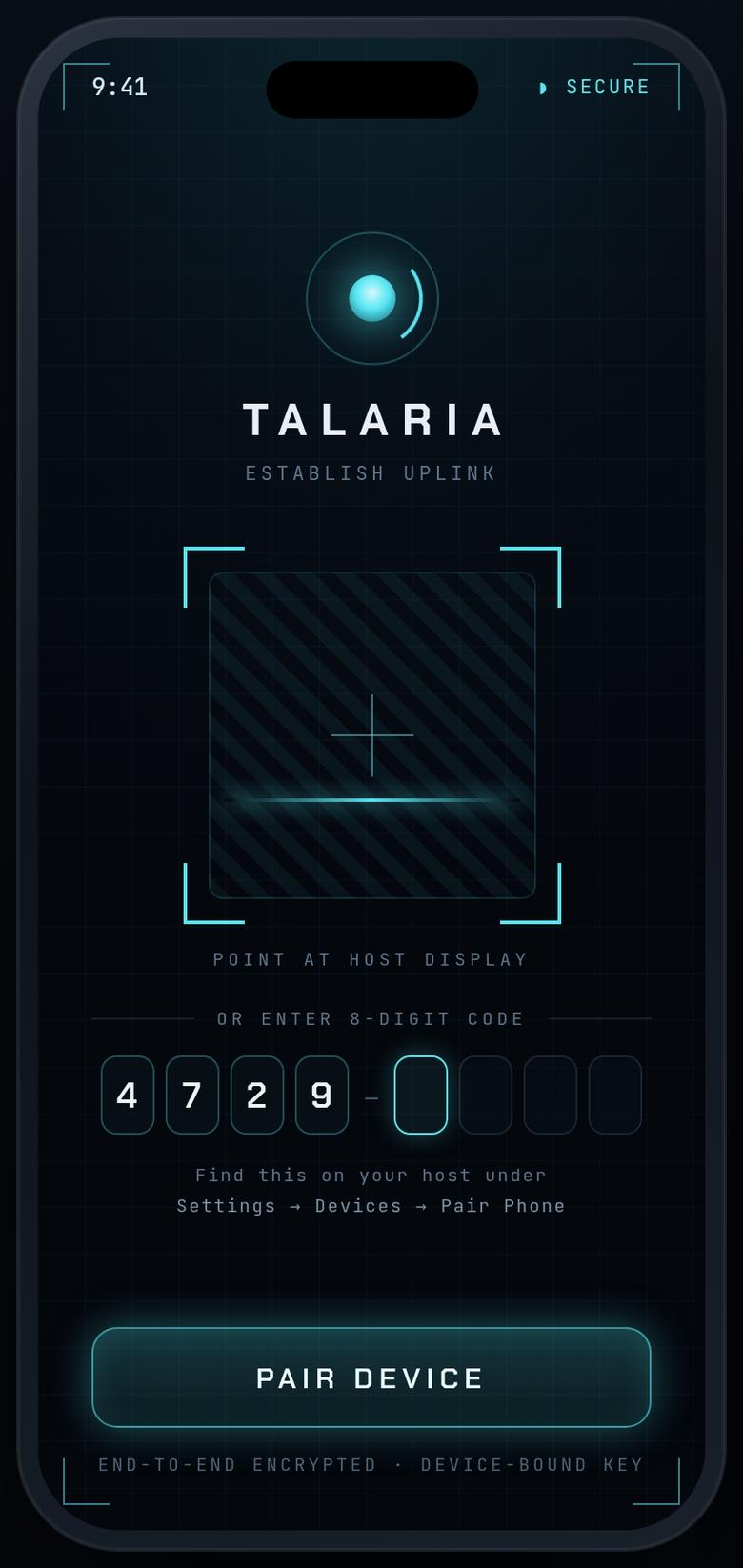
HANDSHAKE
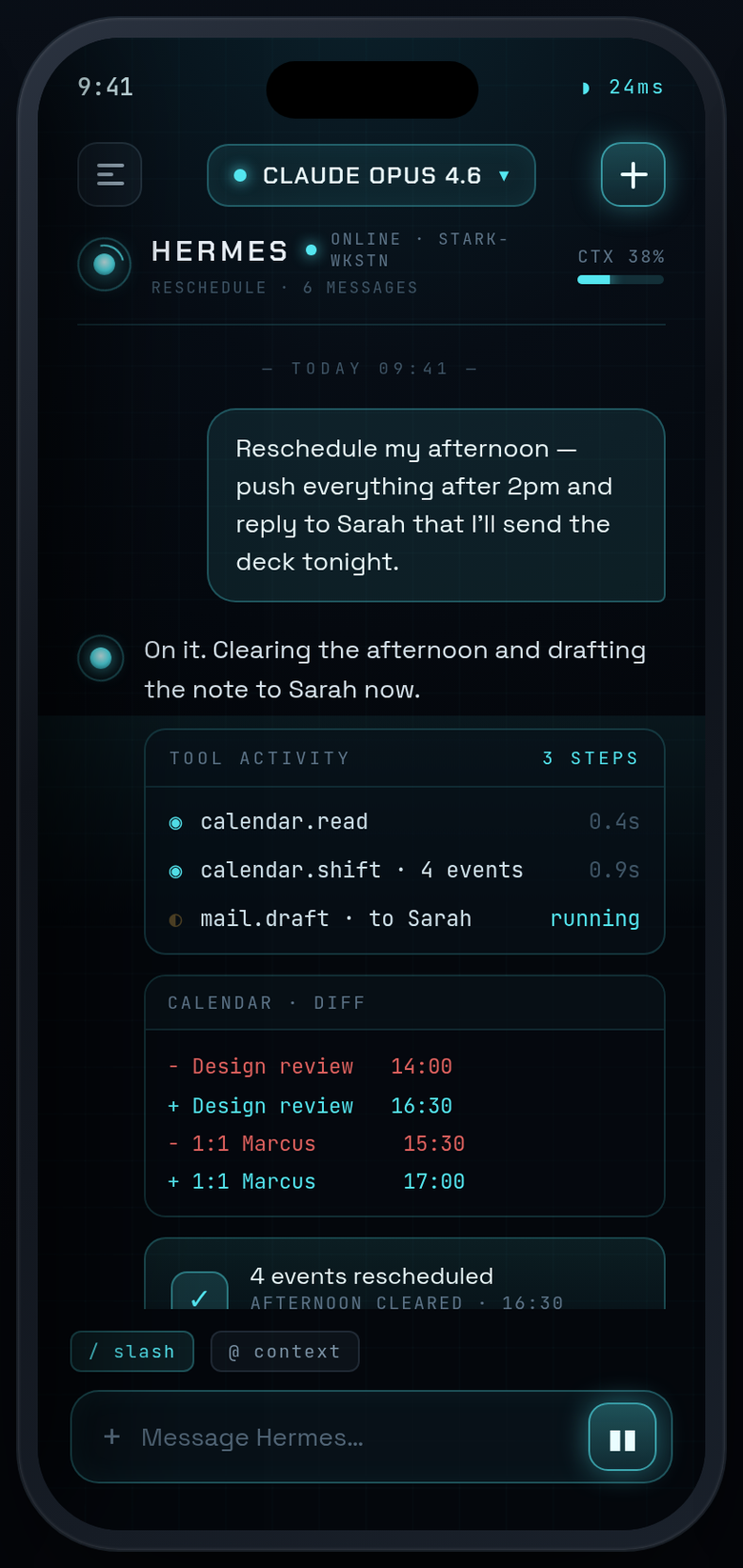
CHAT
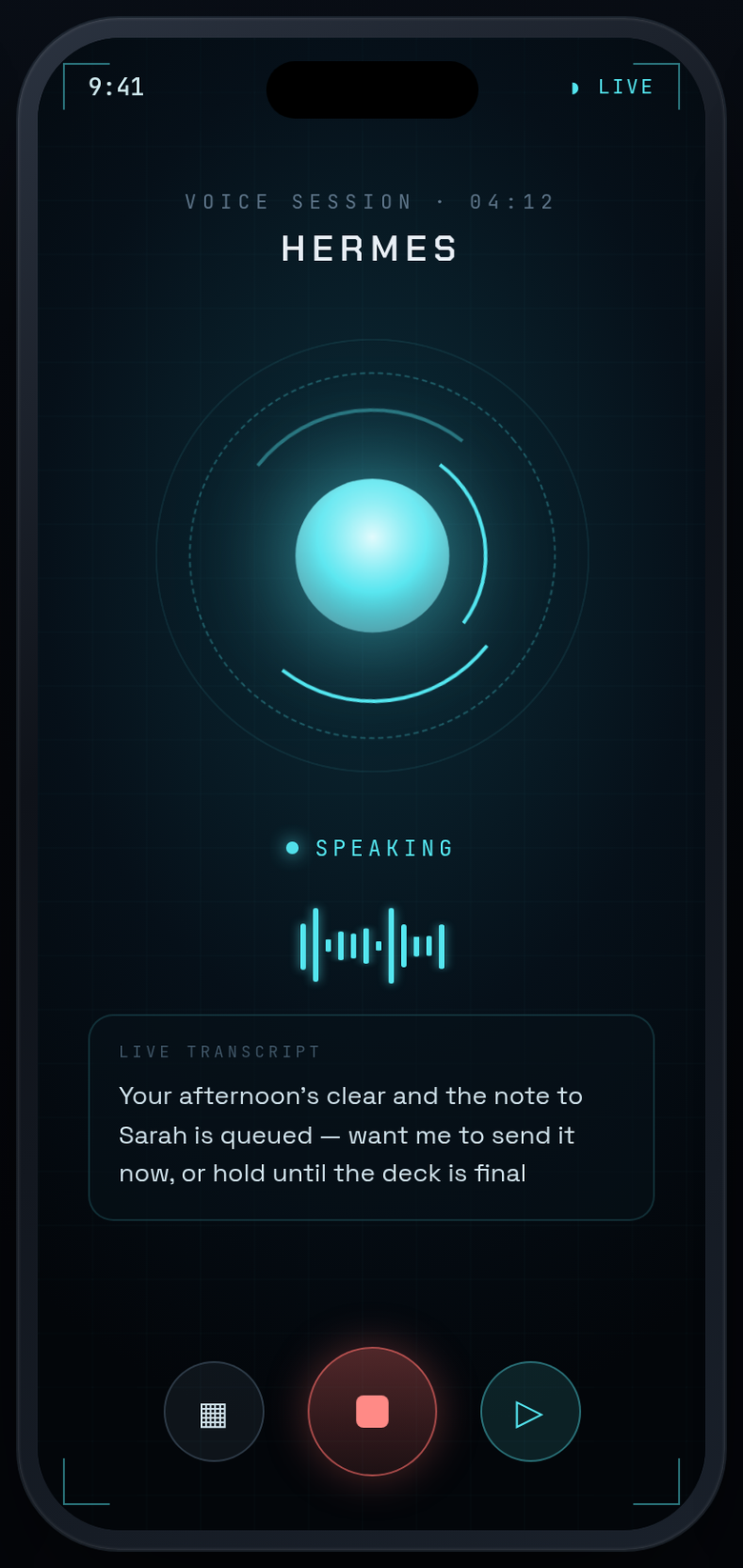
VOICE
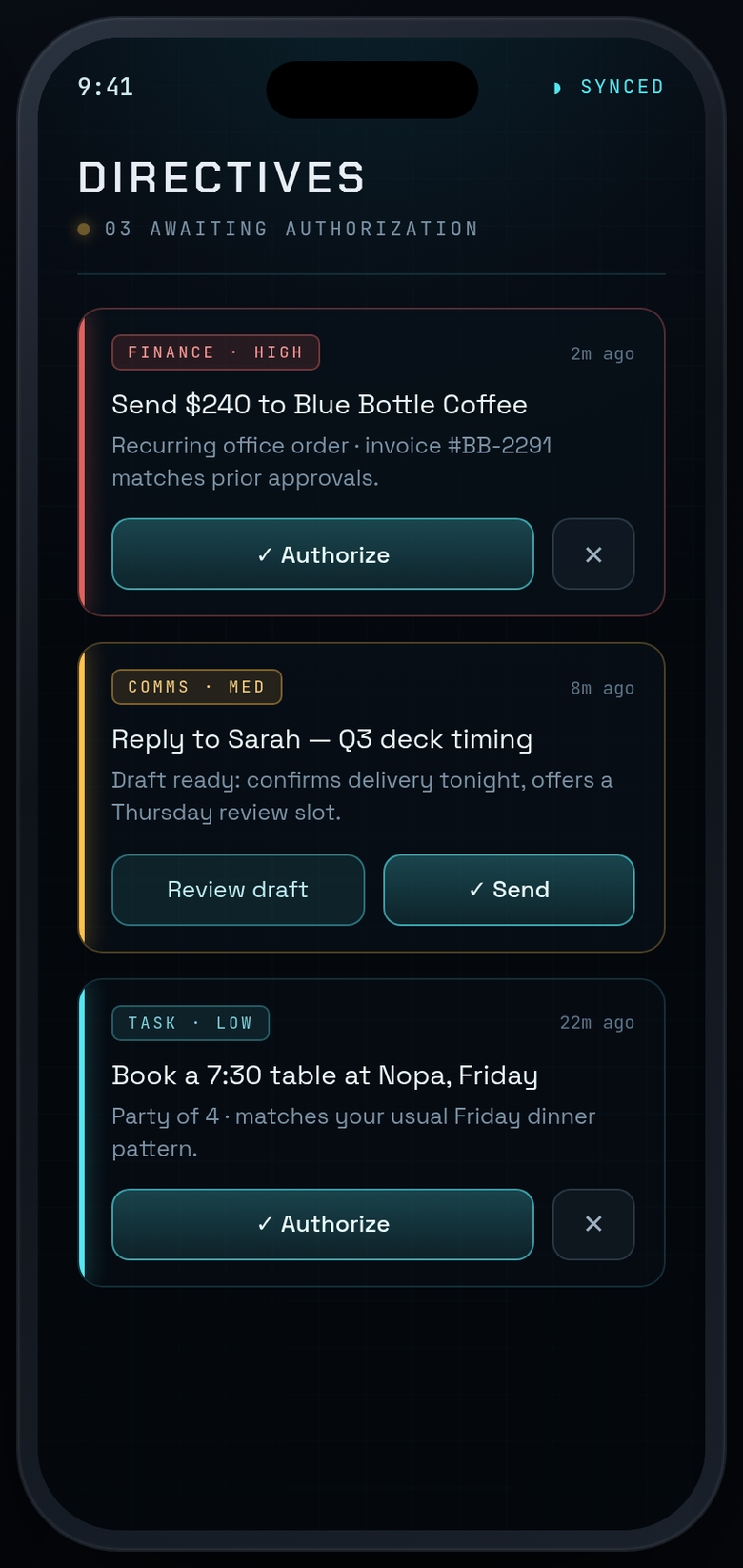
DIRECTIVES
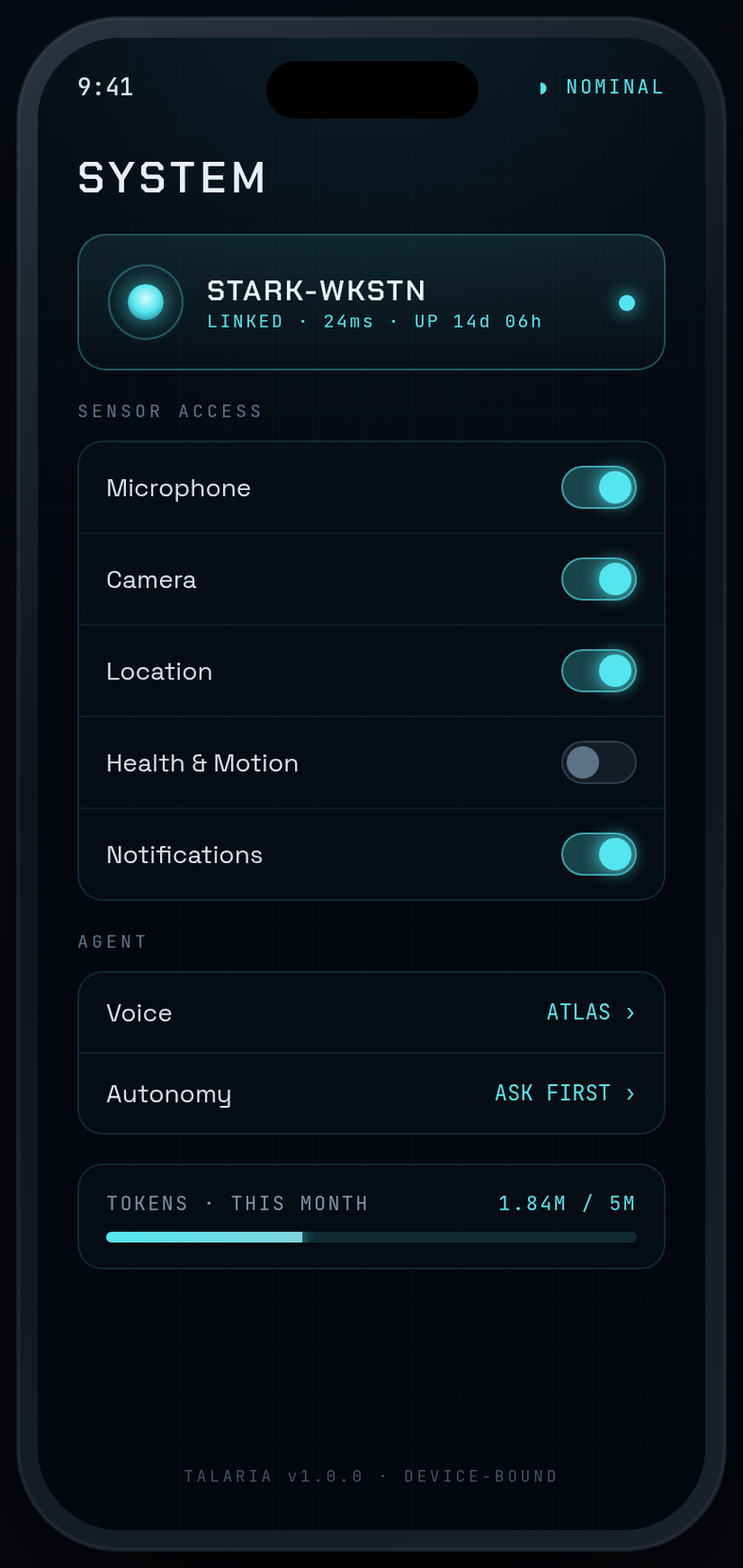
SETTINGS
// SETTINGS SCREENS
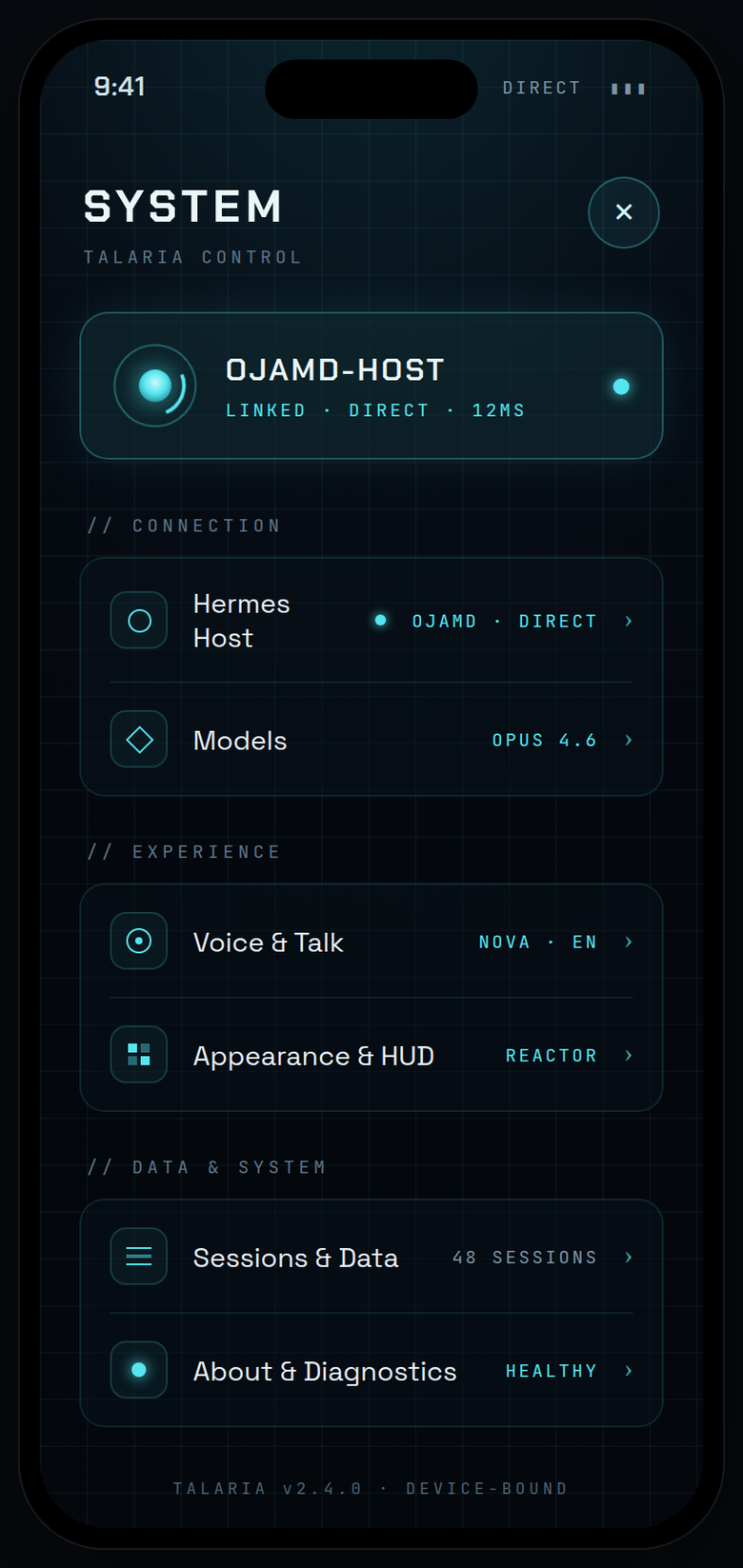
SYSTEM
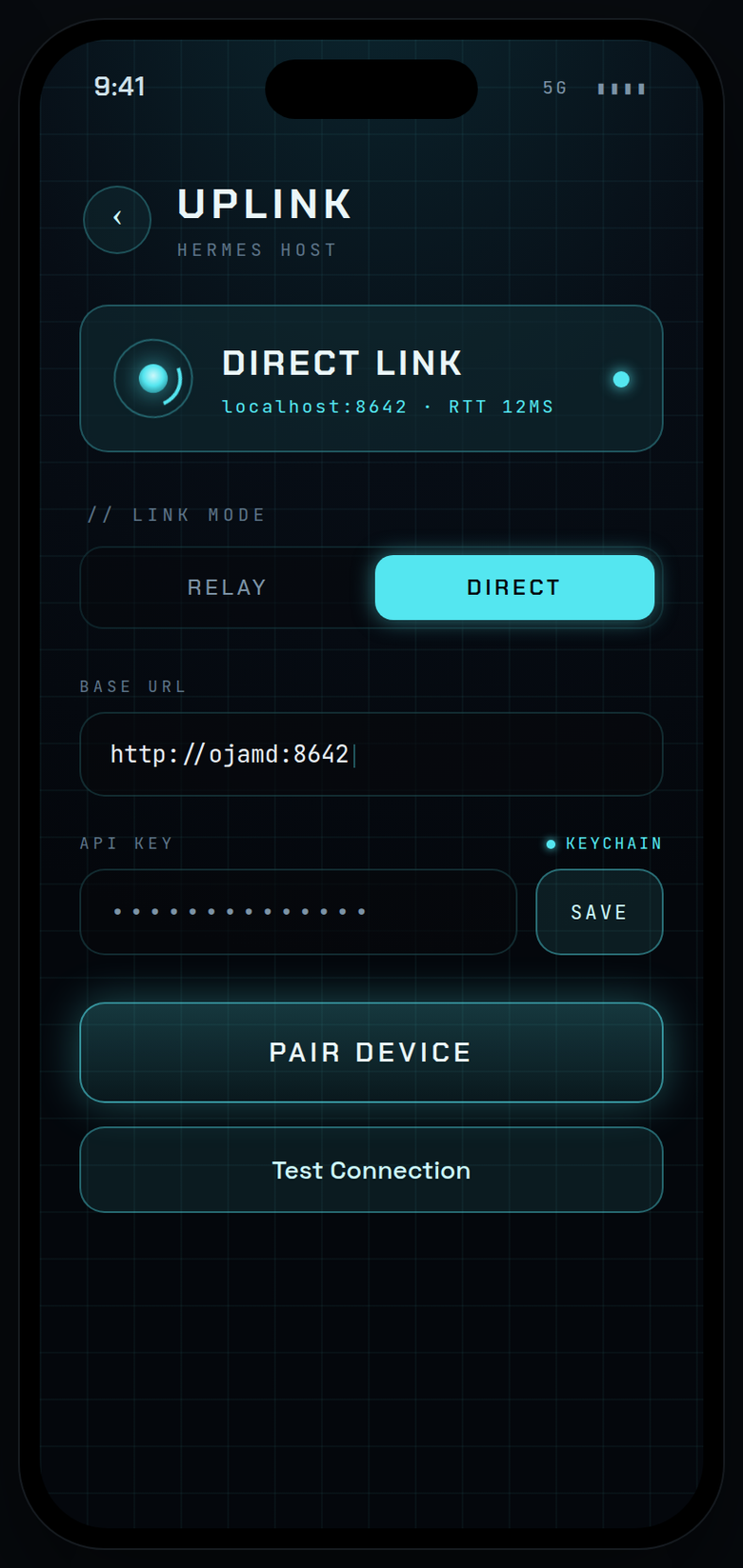
UPLINK
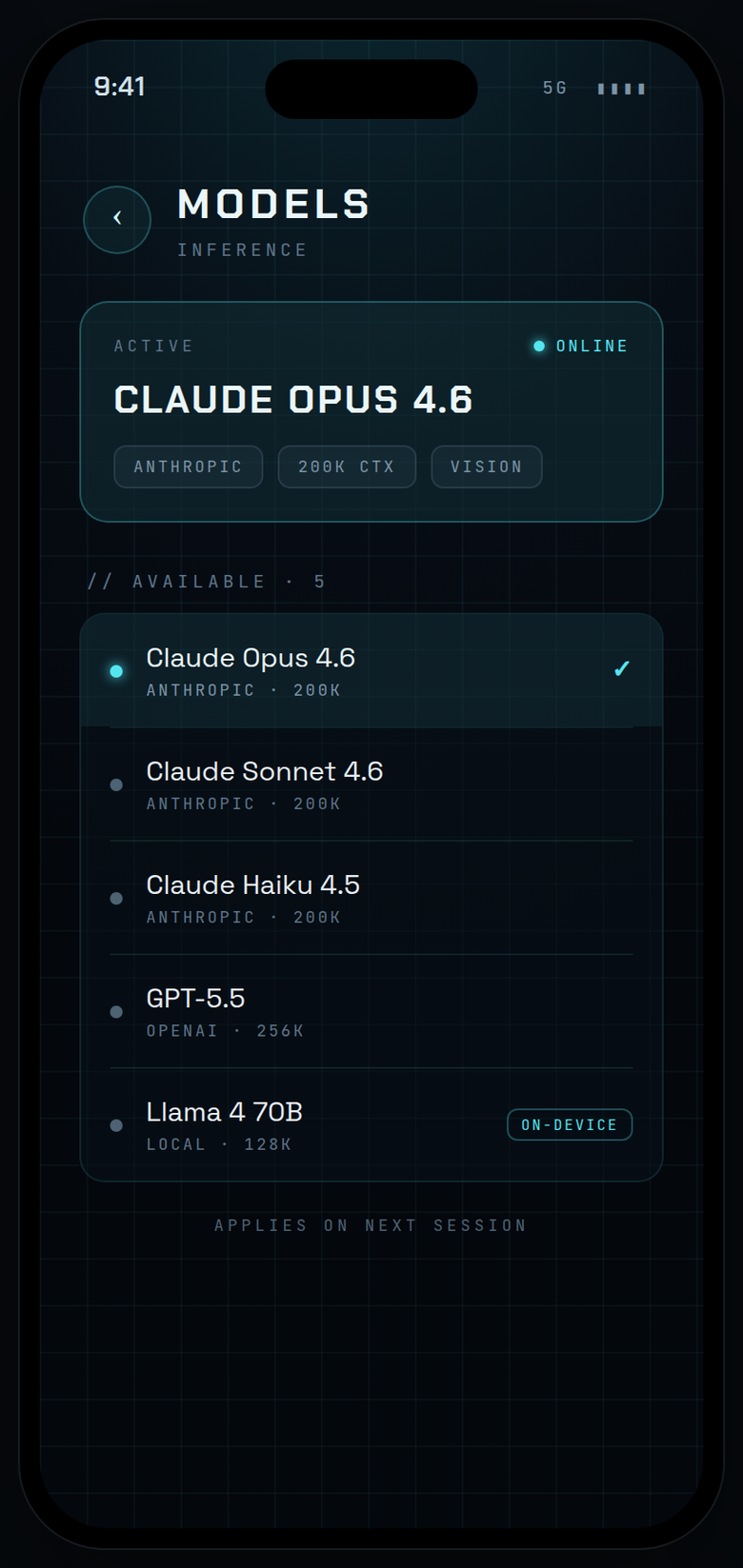
MODELS
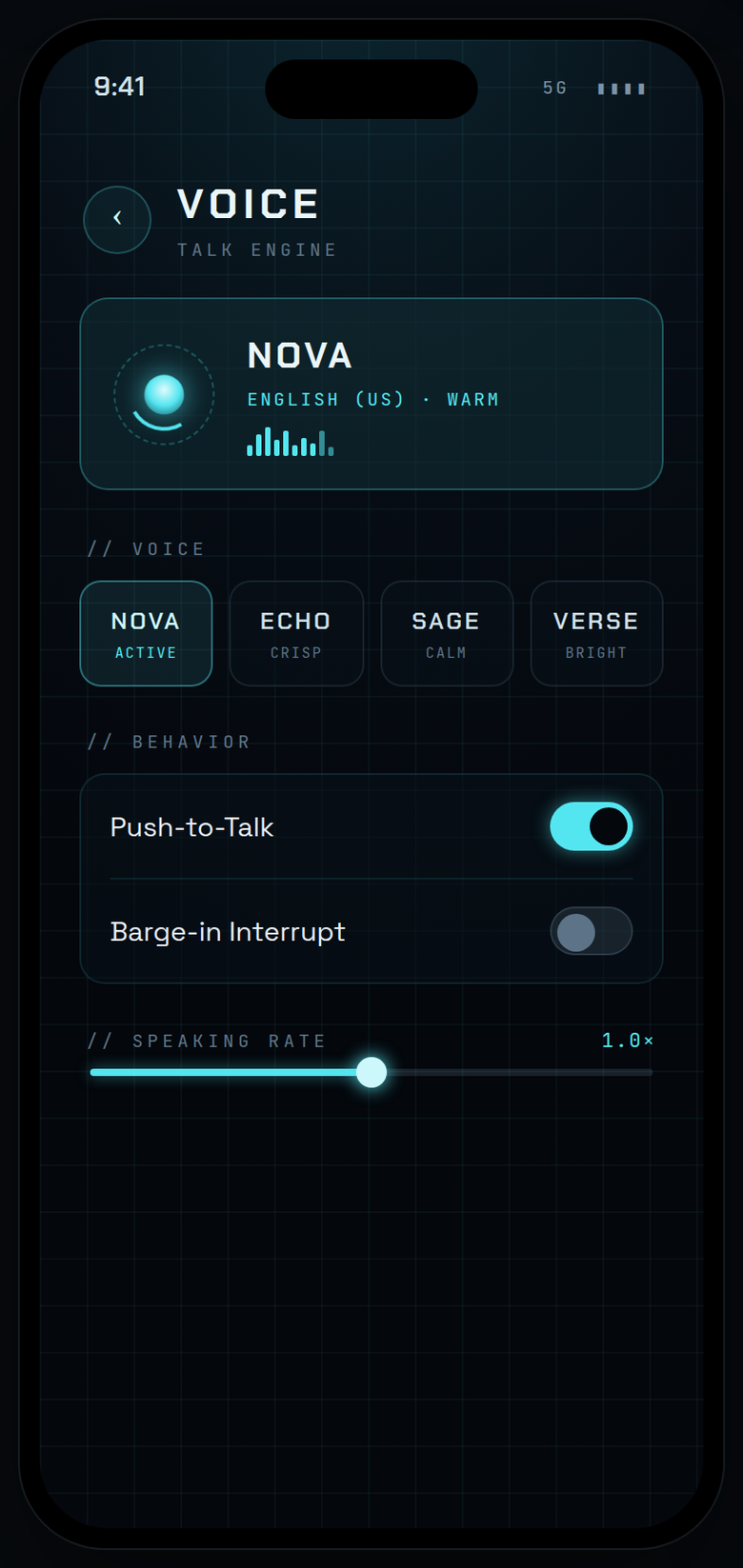
VOICE
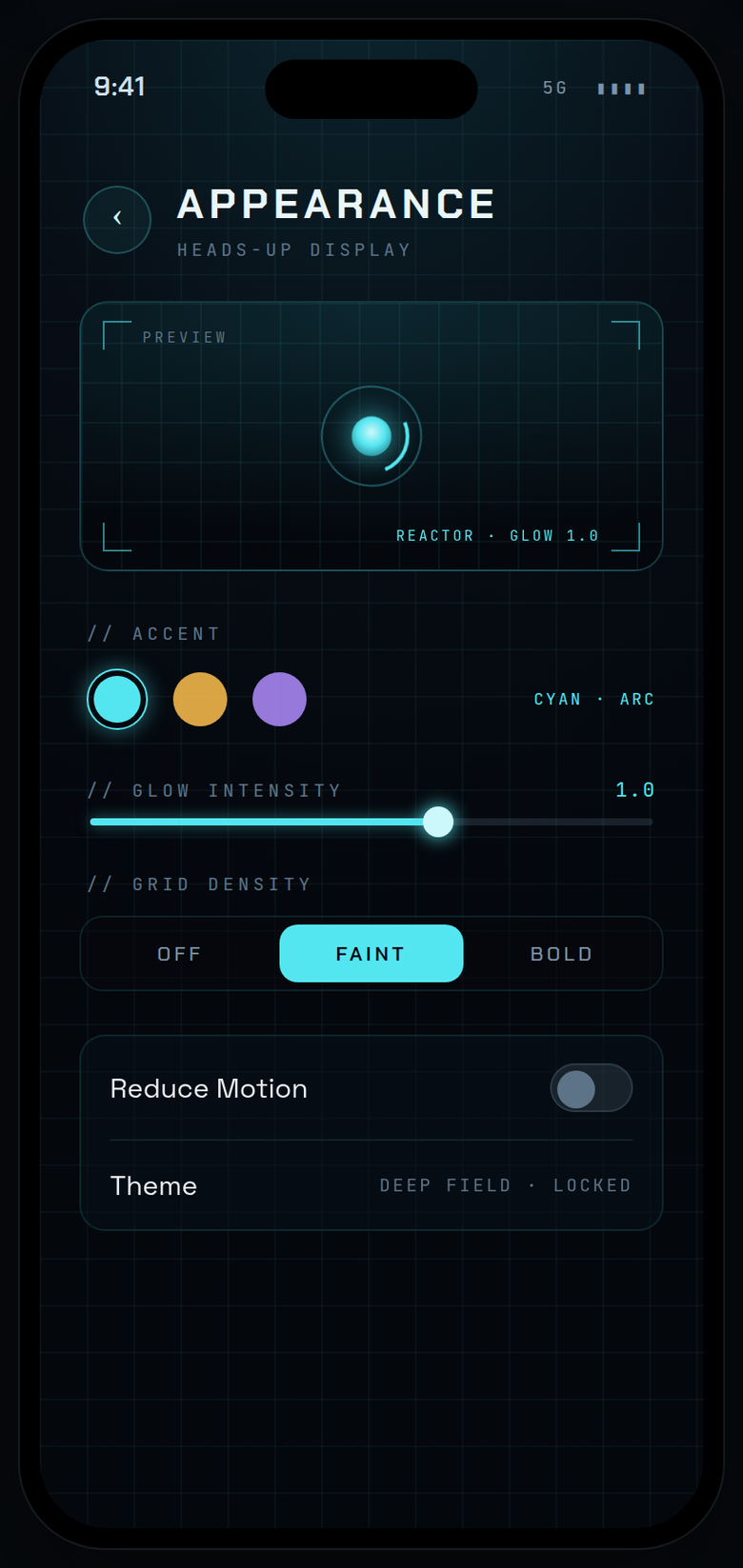
APPEARANCE
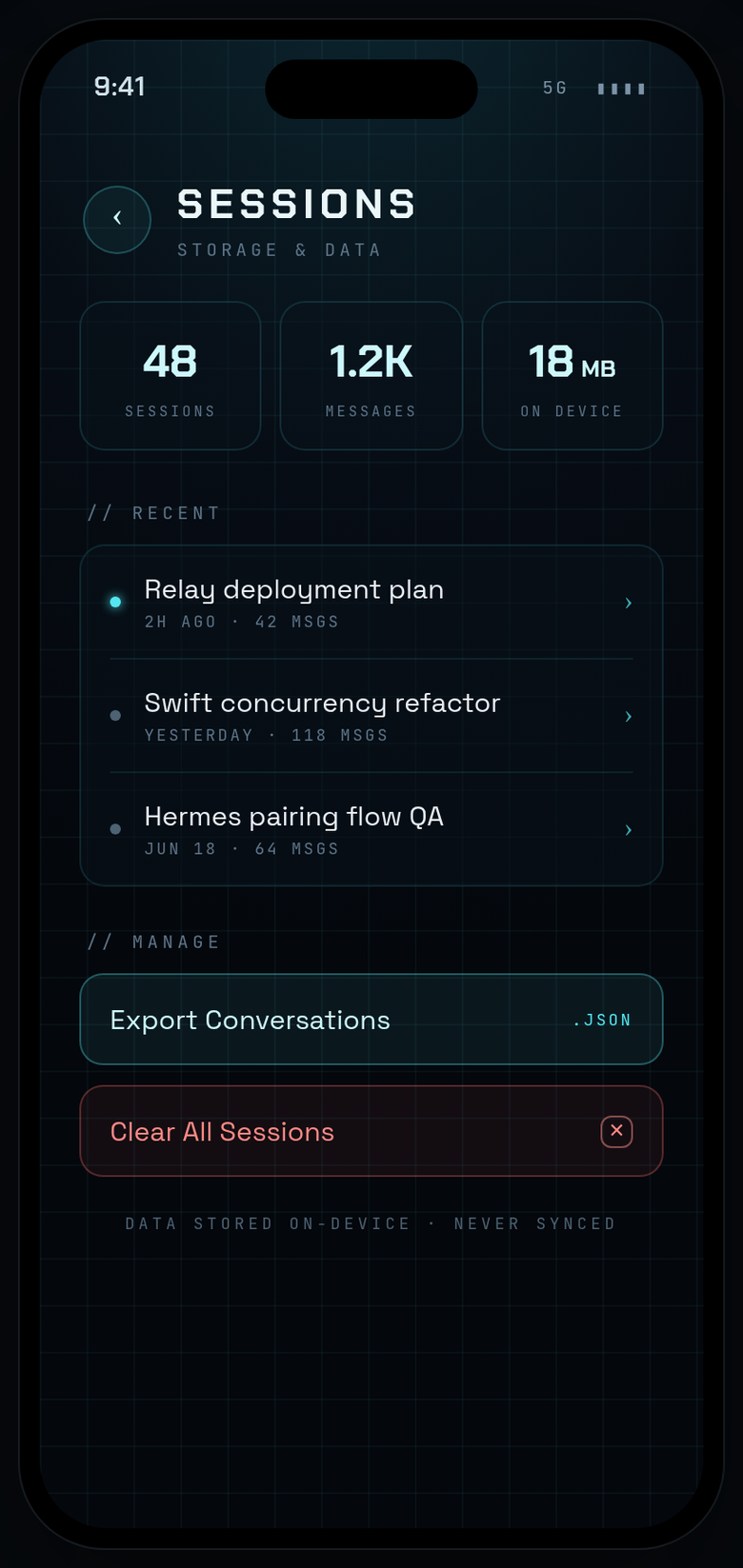
SESSIONS
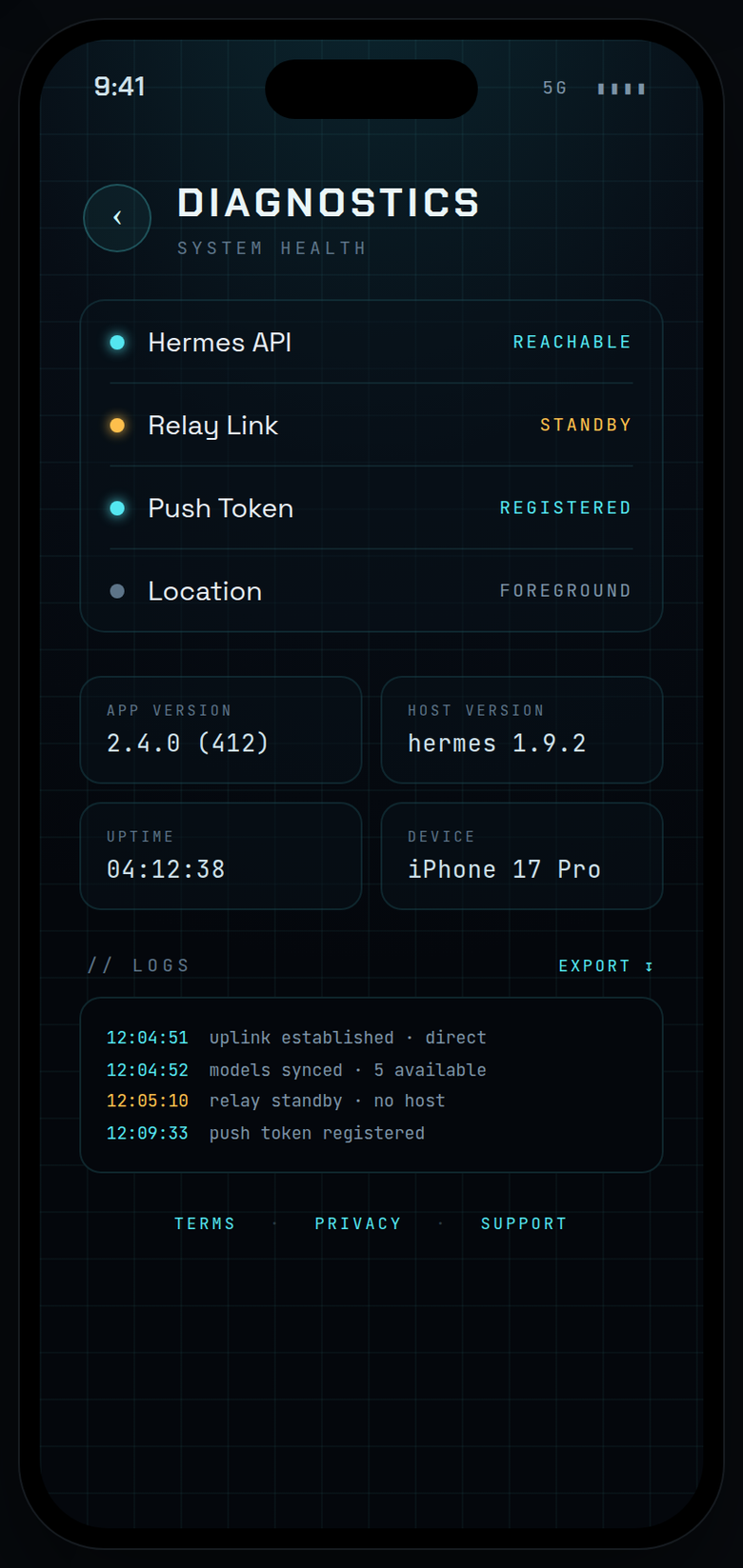
DIAGNOSTICS
// WHAT IT IS
Talaria is a native SwiftUI iPhone app that connects directly to a Hermes AI agent you host yourself. There is no cloud, no managed relay, no subscription — just your device talking to your machine over your network.
Chat talks directly to the Hermes Gateway API. Sensors flow through a lightweight sidecar relay. Model switching is handled by a local shim. Everything is auditable, replaceable, and yours.
// ARCHITECTURE
Three independent paths — chat, sensors, and model control — each talking to a dedicated service on your host machine.
iPhone (Talaria) │ ├─ Chat & sessions ──────→ Hermes Gateway :8642 │ SSE streaming, sync hermes gateway run │ Bearer auth Sessions API + all platforms │ ├─ Sensor data ──────────→ HermesMobile Relay :8000 │ Location, HealthKit, motion sidecar process (Python/uvicorn) │ Background upload → hermes_mobile MCP tools │ └─ Model switching ──────→ Models Shim :8765 Live model list + swap tools/models-shim/shim.py Per-session, no restart (optional)
hermes gateway run.hermes_mobile MCP tools.// CAPABILITIES
// GETTING STARTED
You need a machine running Hermes, a Tailscale network, and Xcode to build the app. There is no TestFlight or App Store distribution.
Follow the Hermes Agent install instructions for your host OS (macOS or Windows). Verify hermes is in your PATH and a profile is configured.
Run hermes gateway run on your host. This starts the Sessions API on :8642. On Windows, use NSSM or a Scheduled Task for persistence. On macOS, use a launchd agent. Ensure the port is reachable from your Tailscale IP.
Clone this repo and run the HermesMobile relay from relay/. Set AGENT_FILES_DIR in your .env for agent file downloads. The relay handles sensor delivery and the optional voice WebRTC bootstrap. Bind to 0.0.0.0 so your phone can reach it over Tailscale.
Open the Xcode project (requires Xcode for iOS 26 SDK). Select your physical iPhone as the run destination. Build and run. You will need an Apple Developer account to sign the app for your device.
On first launch, Talaria shows the pairing screen. Enter your host's Tailscale IP or hostname, the gateway port (8642), and your API_SERVER_KEY. The app connects directly — no account, no cloud login.
⚠️ If you use iCloud Private Relay, disable it for Tailscale IPs or the app will not be able to reach your services.
// TECH STACK